How to request a service cancellation
Request cancellation of a service: where the form is, the difference between immediate and end-of-term, and what happens to your data.
- Log in to your personal account on the website https://insave.hosting
- Choose the section “Services” or find it in the main menu “Services” => “Products/Services.”
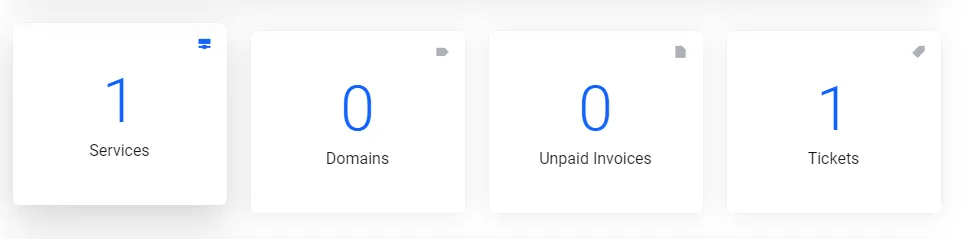
- Select the necessary server or service you want to disable, and click on it.

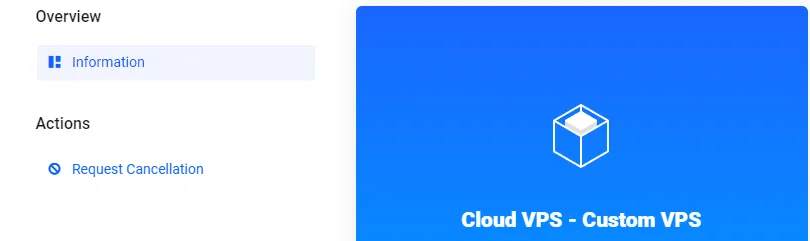
- On the left, click the “ Request Cancellation” button and confirm.
- Next, we need to choose whether to cancel the service prematurely or let it expire at the end of its term.
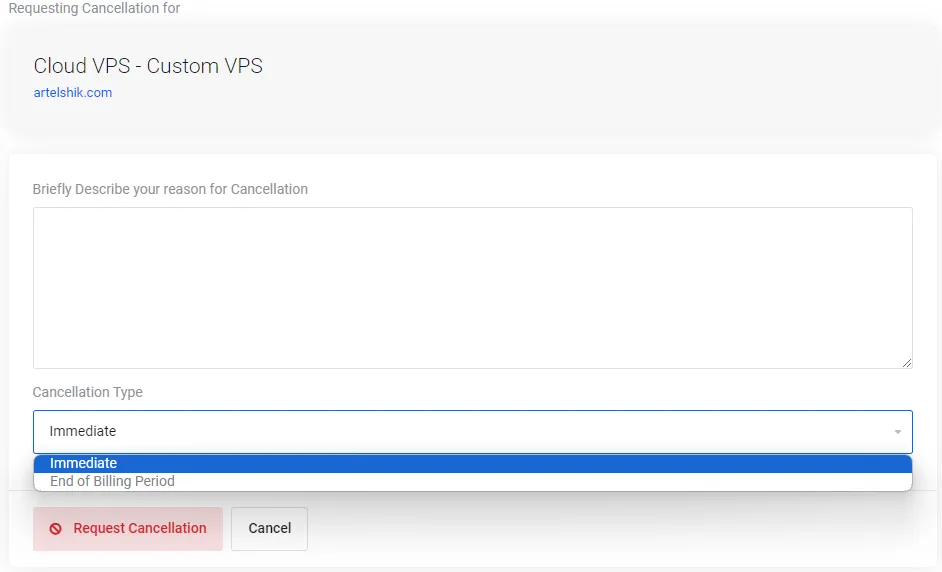
- Click on button Request Cancellation.