How to register an account
Create an inSave account: the three fields the form needs, what the confirmation email does, and where to log in afterwards.
How to register an account
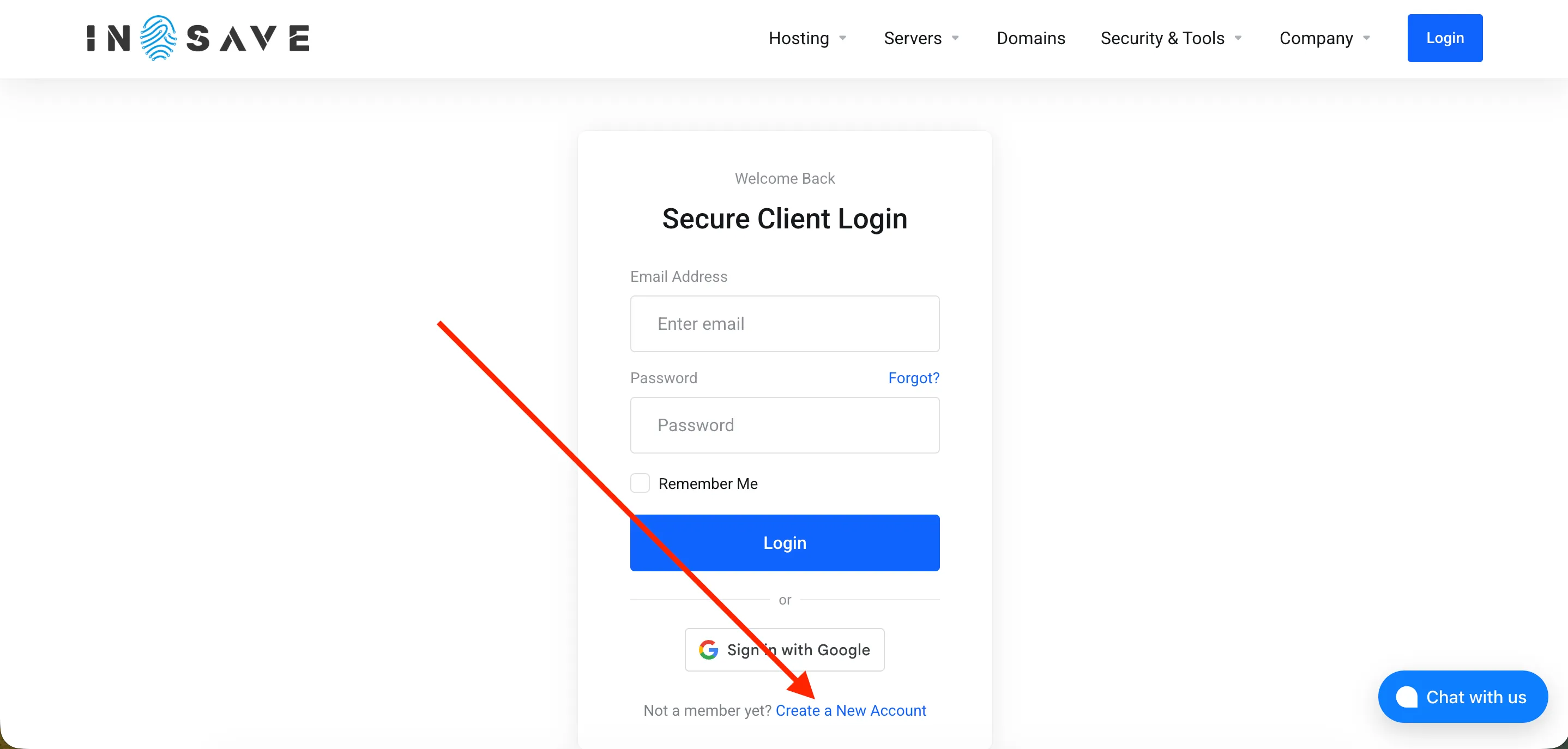
You need to select the Login section in the top menu, as shown in the screenshot below.
Next, you need to select “Create a new account”, as shown in the screenshot below.
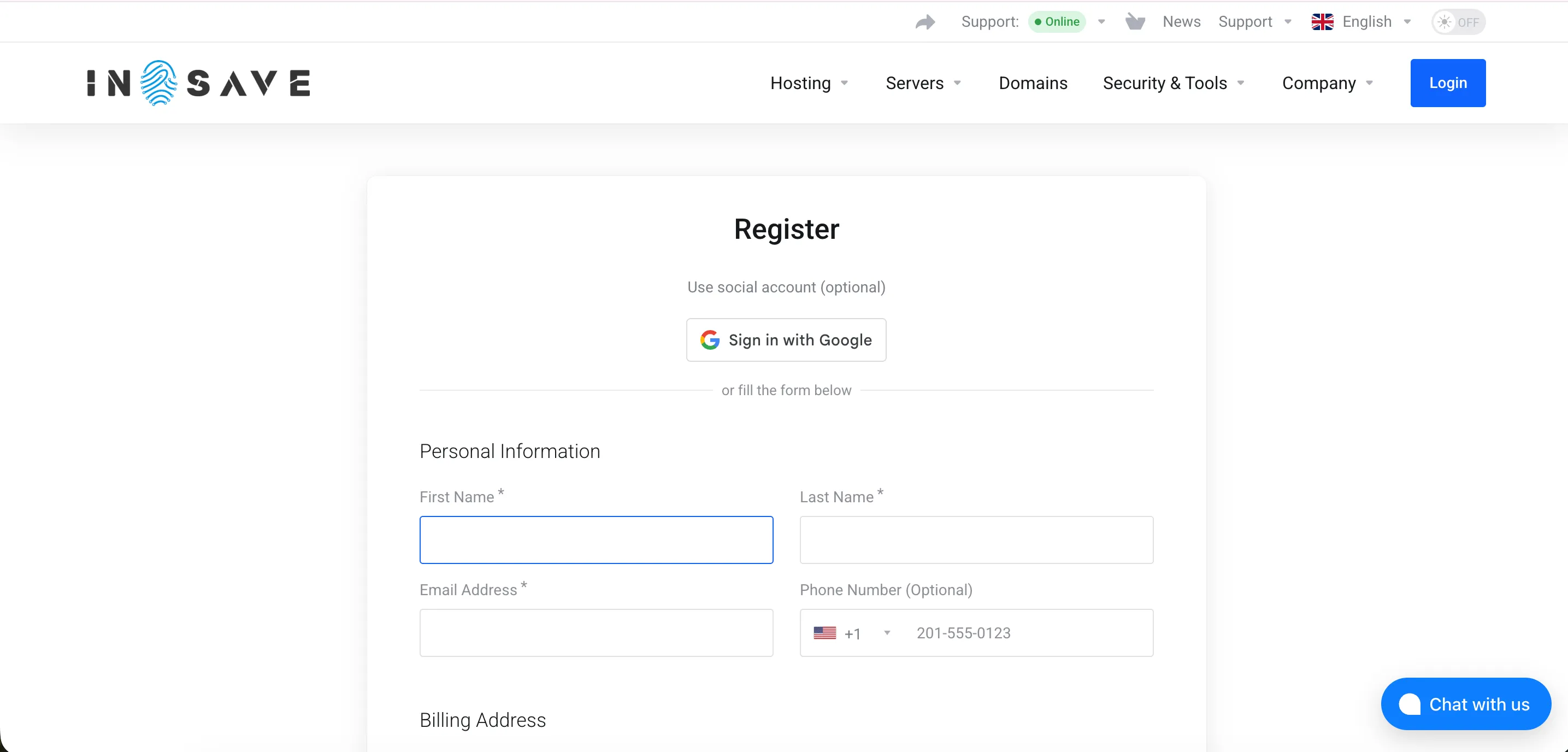
Next, you need to fill in all the fields marked with an asterisk (*) to complete the account registration.