How to unlink a bank card
Remove a saved card from your account, and what happens to services that were billing to it.
- Log in to your personal account on the website https://insave.hosting.
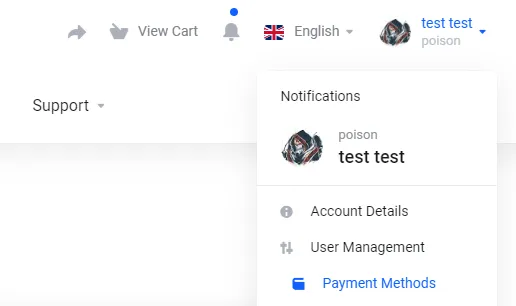
- In the “Billings” tab, select “Payment Methods (cards).”
- Find the card you want to unlink, for example, Visa.

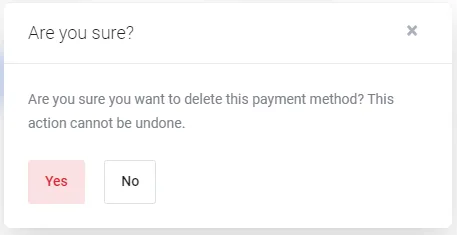
- On the right, click on the trash can icon and confirm the deletion.