How to order a shared hosting plan
Pick a shared plan, choose the billing cycle and the region, add a domain or use your own, and pay — the whole order in one pass.
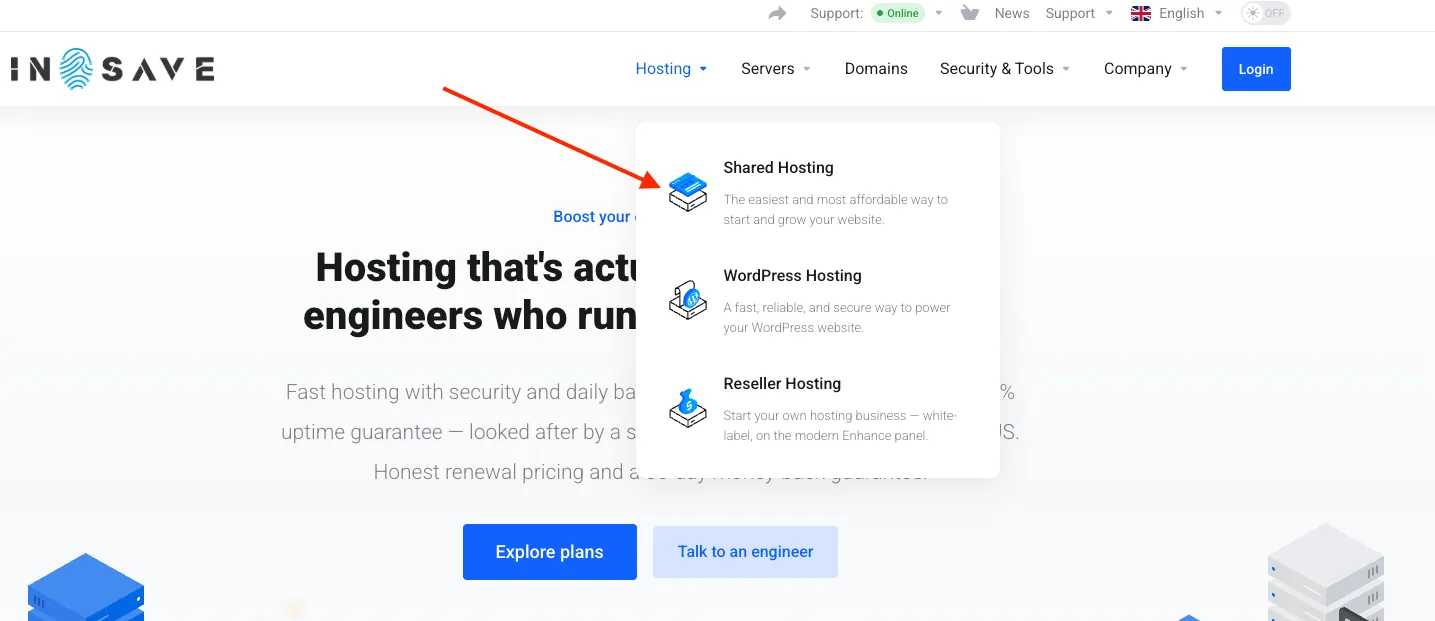
To order a hosting plan, go to the Hosting section, as shown in the screenshot, and select the hosting plan that best suits your needs.
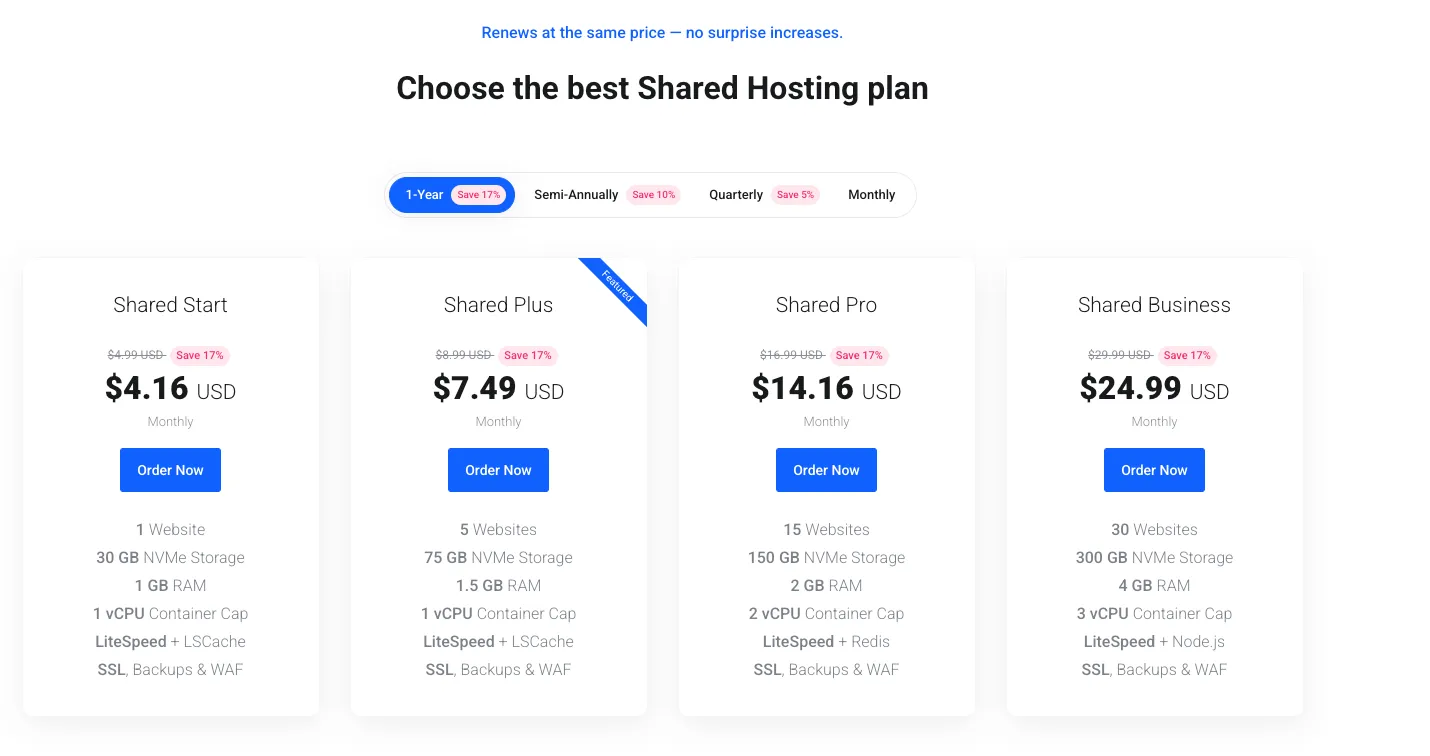
Next, choose the hosting plan that best fits your needs. Then, click Order Now.
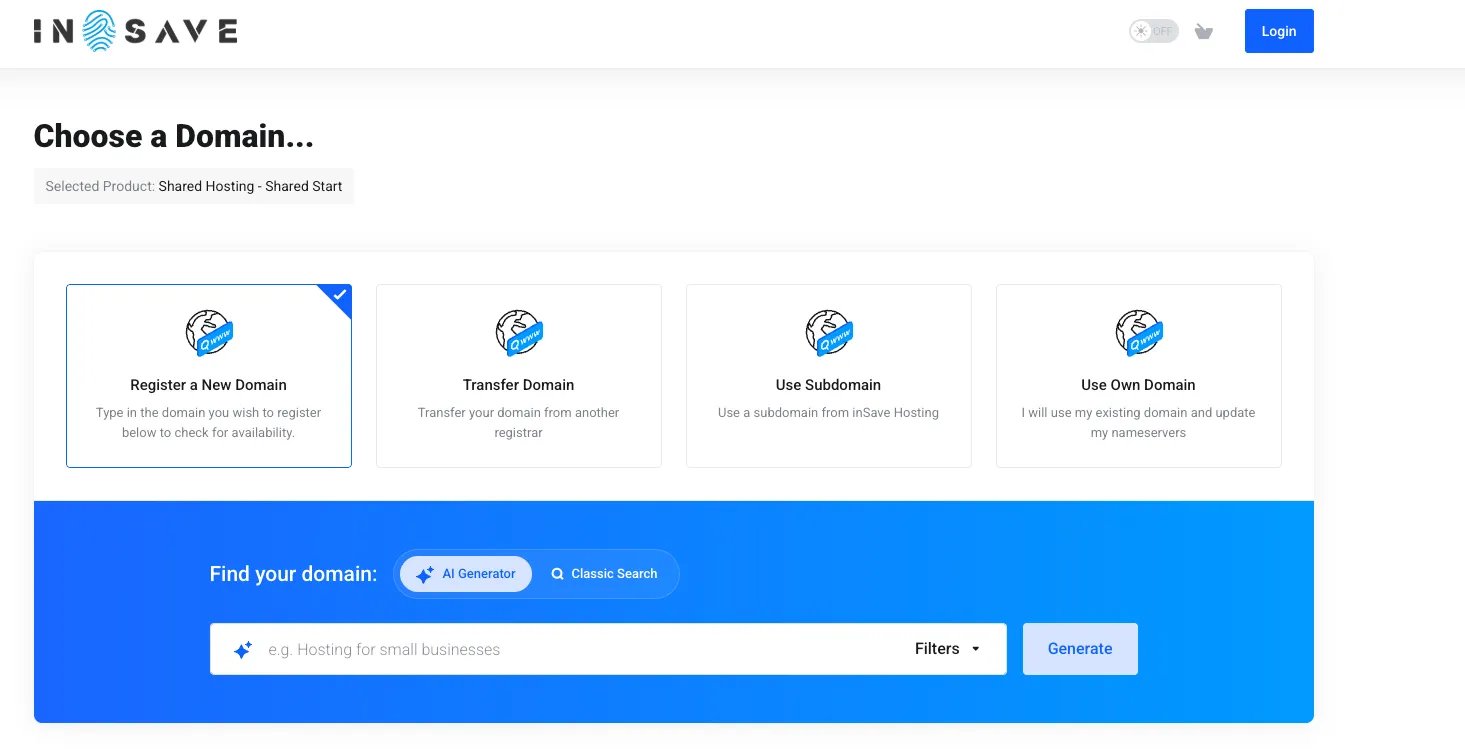
On the next page, you can register a new domain, use an existing domain, or transfer your domain to us for management.
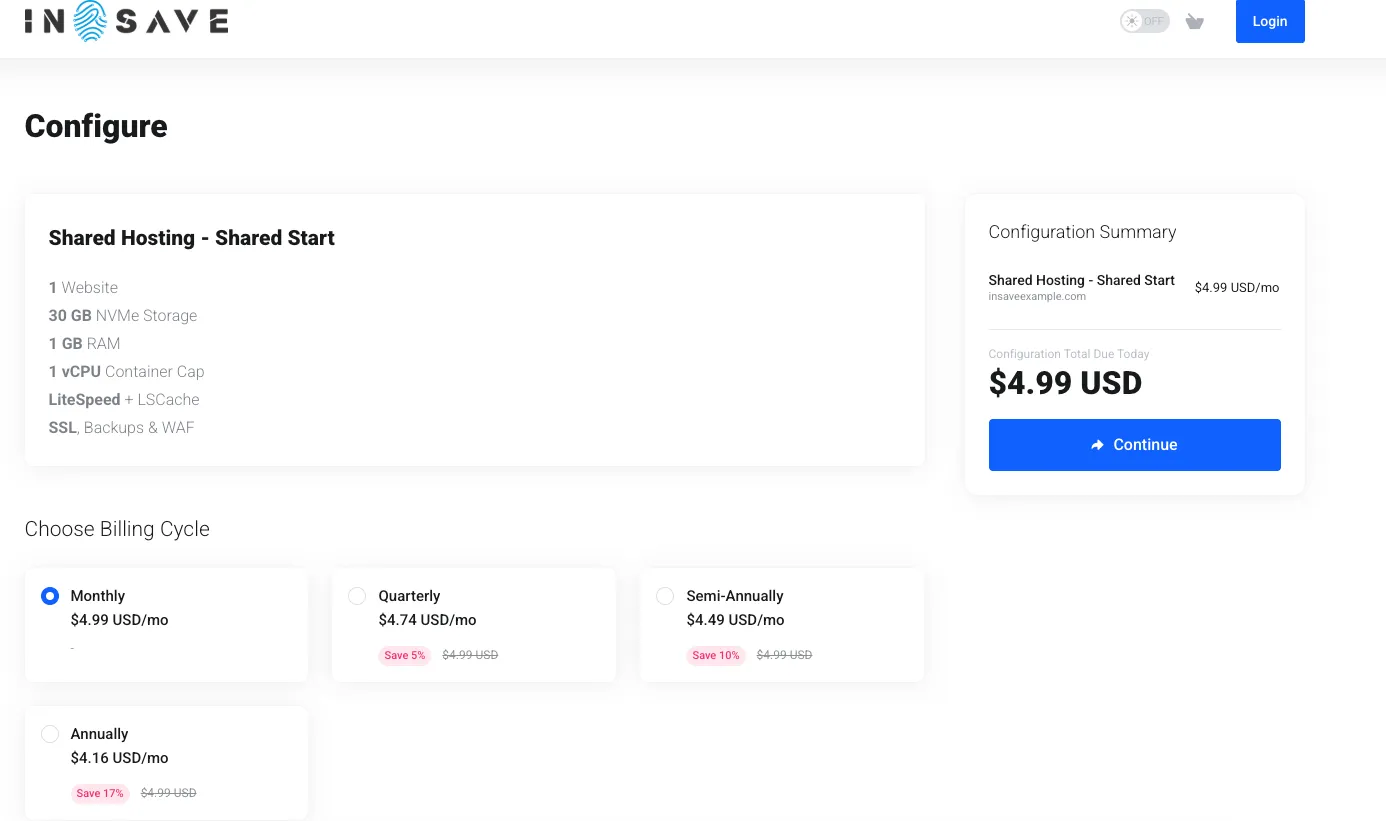
Here, choose how long you would like to subscribe to the hosting plan. The longer the subscription period, the greater the discount you receive on the hosting plan.
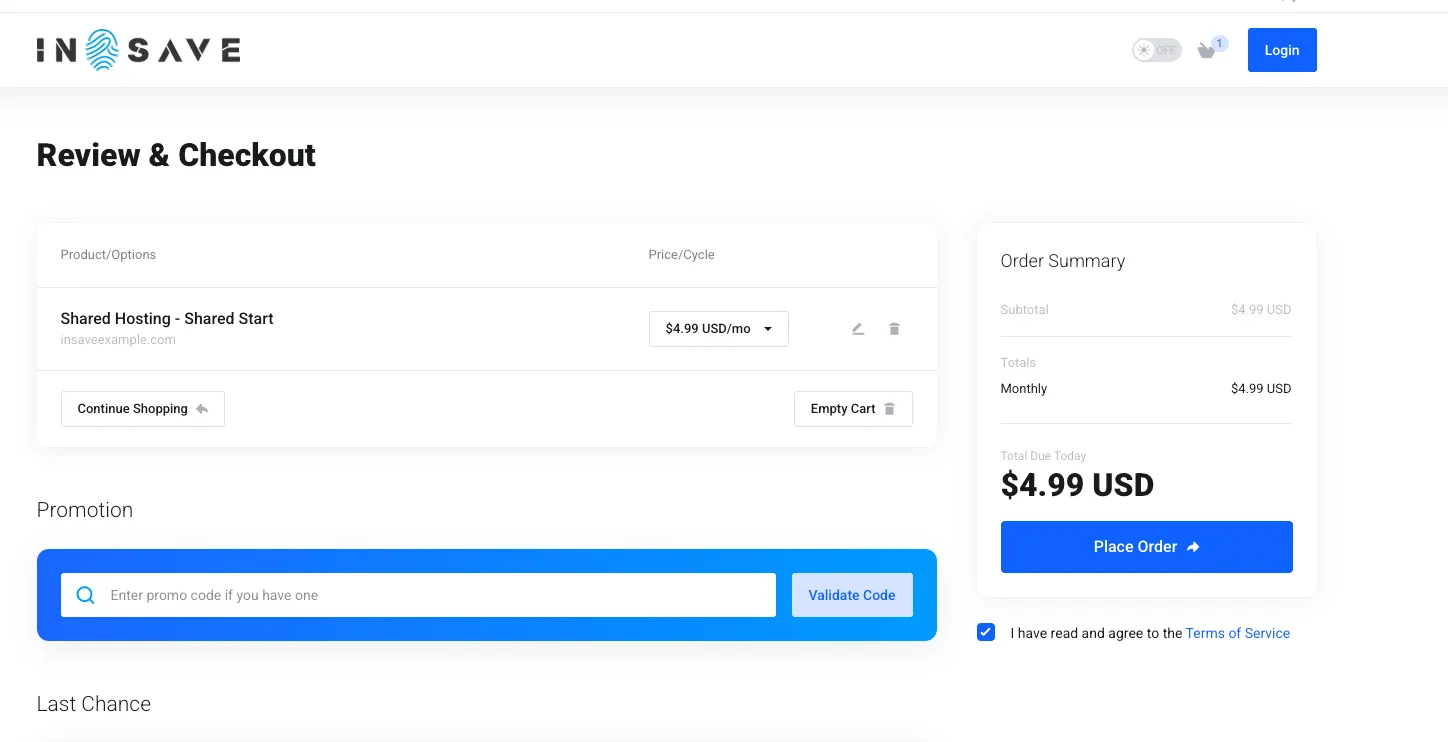
On the Review & Checkout page, read and accept the Terms of Service by checking the “I have read and agree to the Terms of Service” box. Then, click Place Order. Before completing your order, you will need to sign in to your account or create a new one if you don’t already have one.
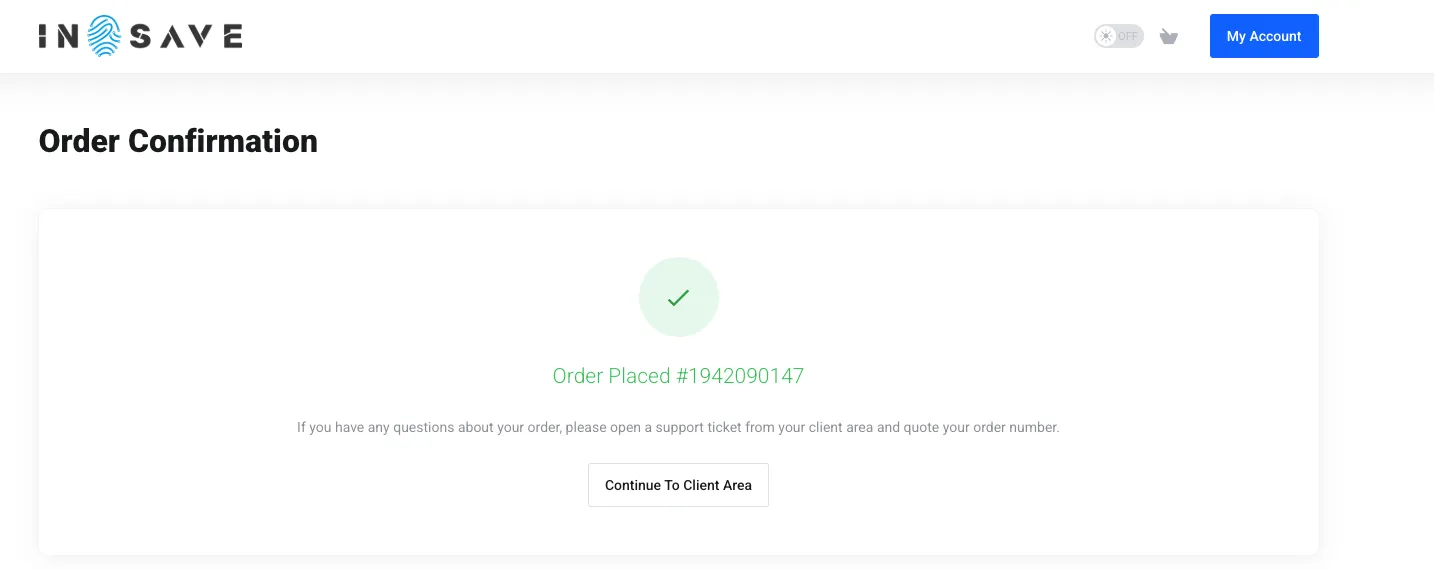
Congratulations! Your hosting order has been placed successfully.