Domains and DNS
How to register a domain
Search for a name, add it to the order, and set the nameservers — registering a domain and pointing it at your hosting.
On the main page of the website, select the Domains section.
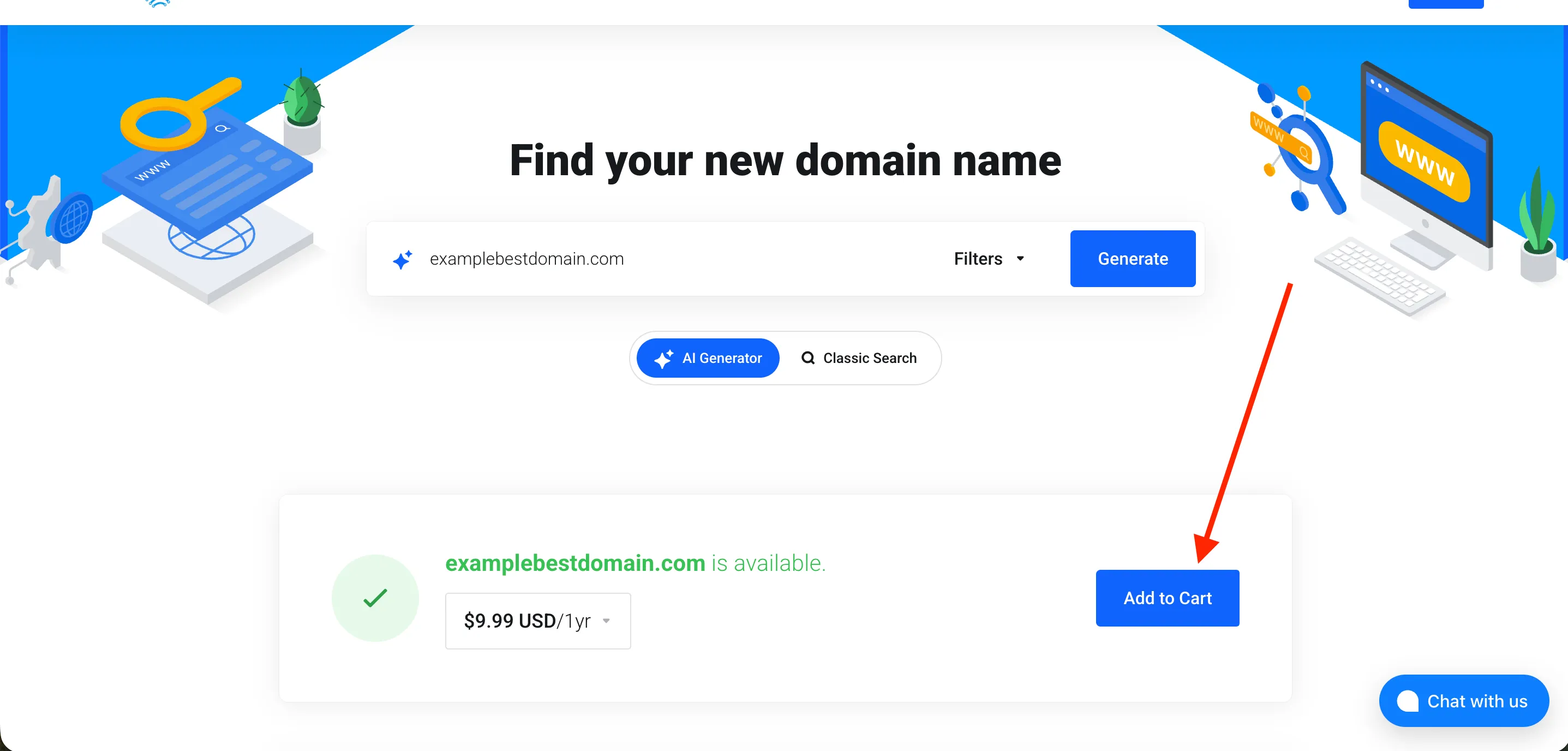
On the Domains page, type the domain name you want and the domain zone you want to register in the search field, then click Generate.
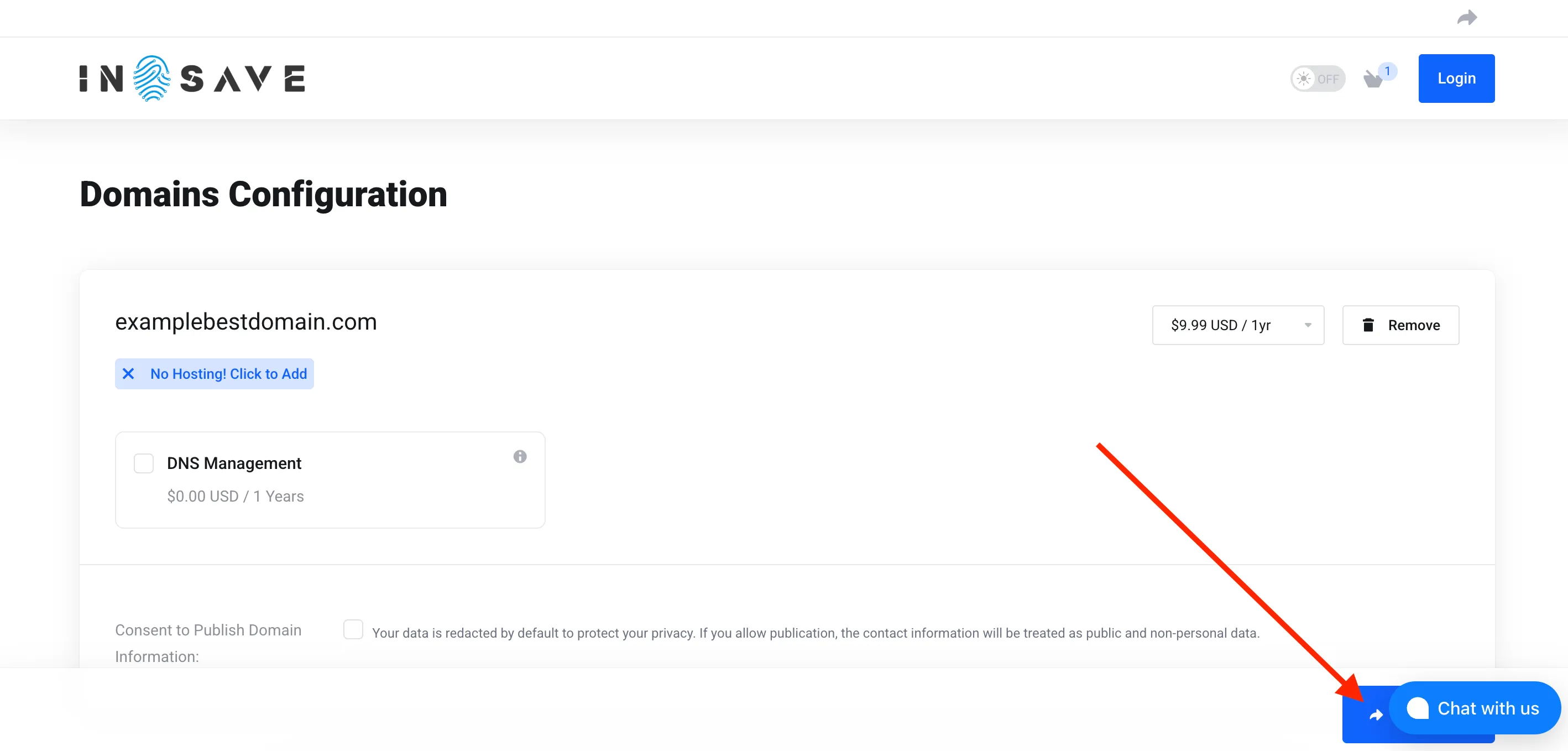
Please select “Continue” as shown in the screenshot below.
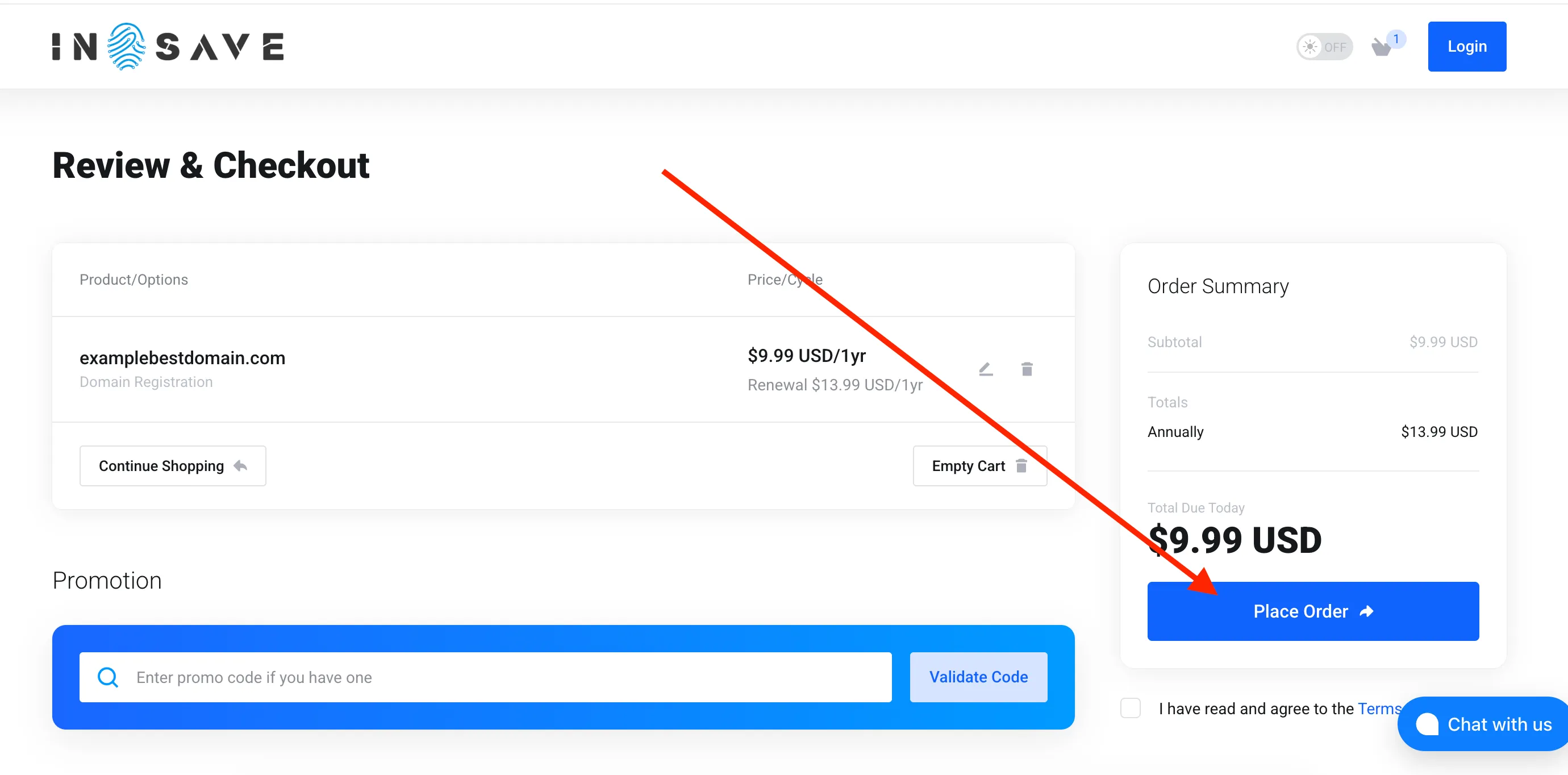
On the next page, you need to either select “Create a New Account” below or log in to an existing one. Then agree to the terms and click Place Order.
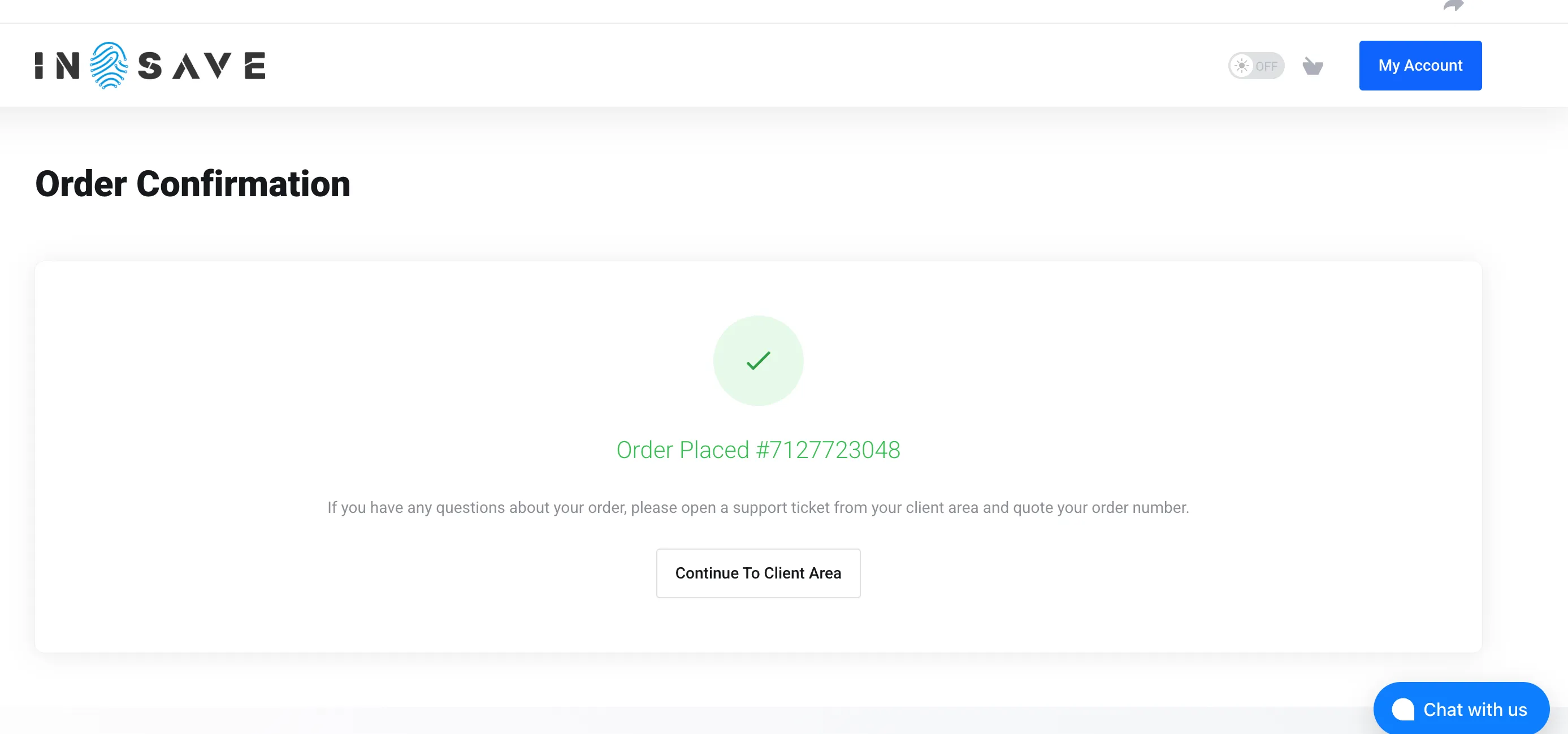
Congratulations! You have successfully registered the domain. The domain will be available for management shortly.