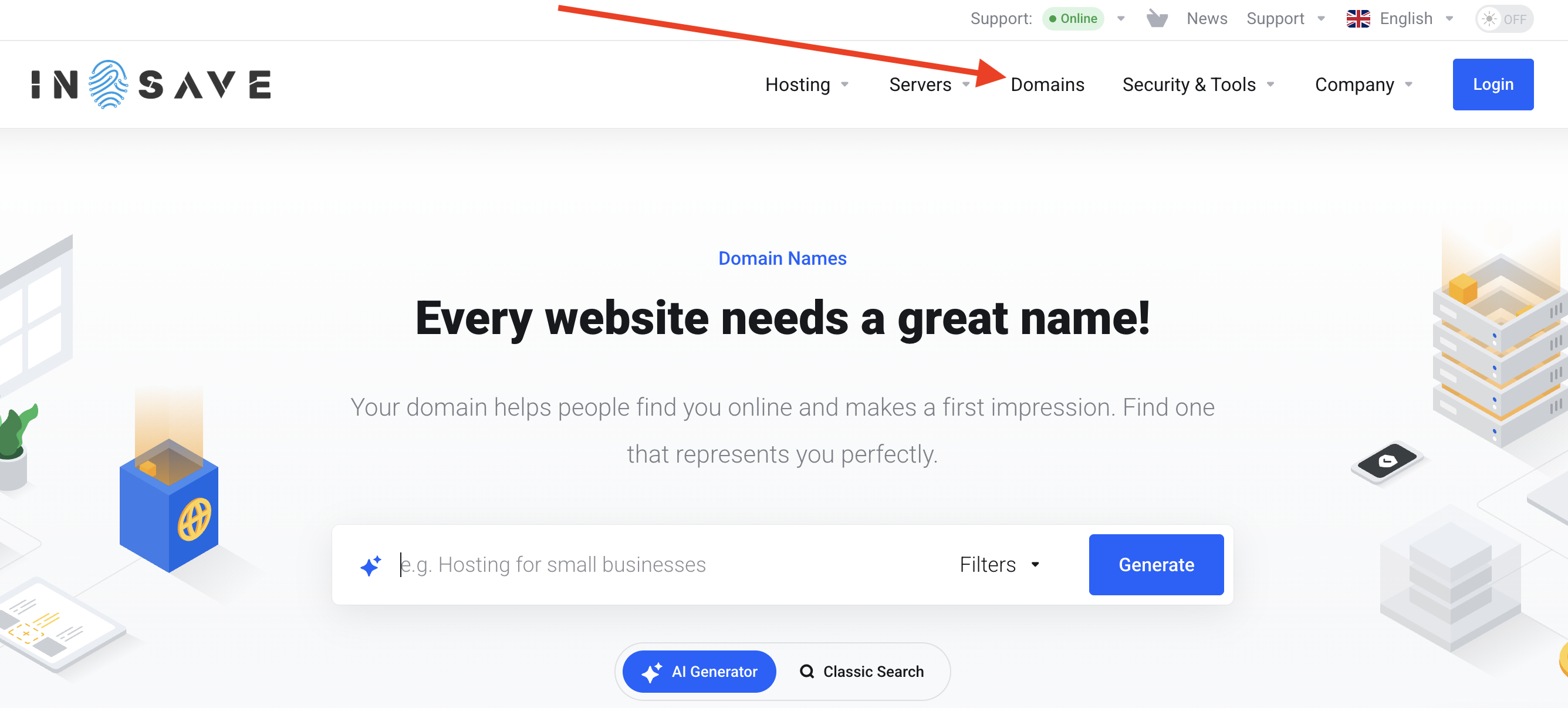
On the main page of the website, select the Domains section.
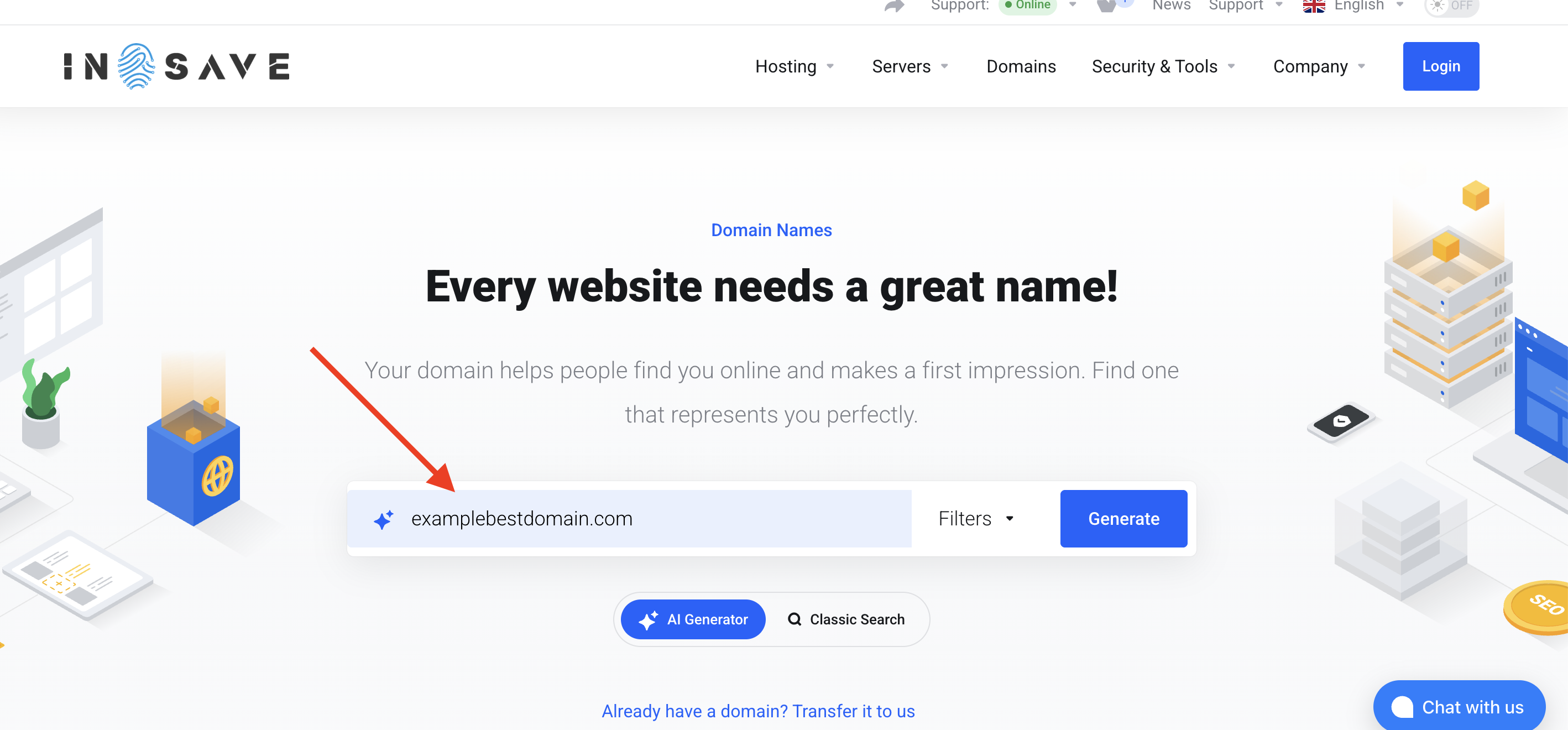
On the Domains page, type the domain name you want and the domain zone you want to register in the search field, then click Generate.
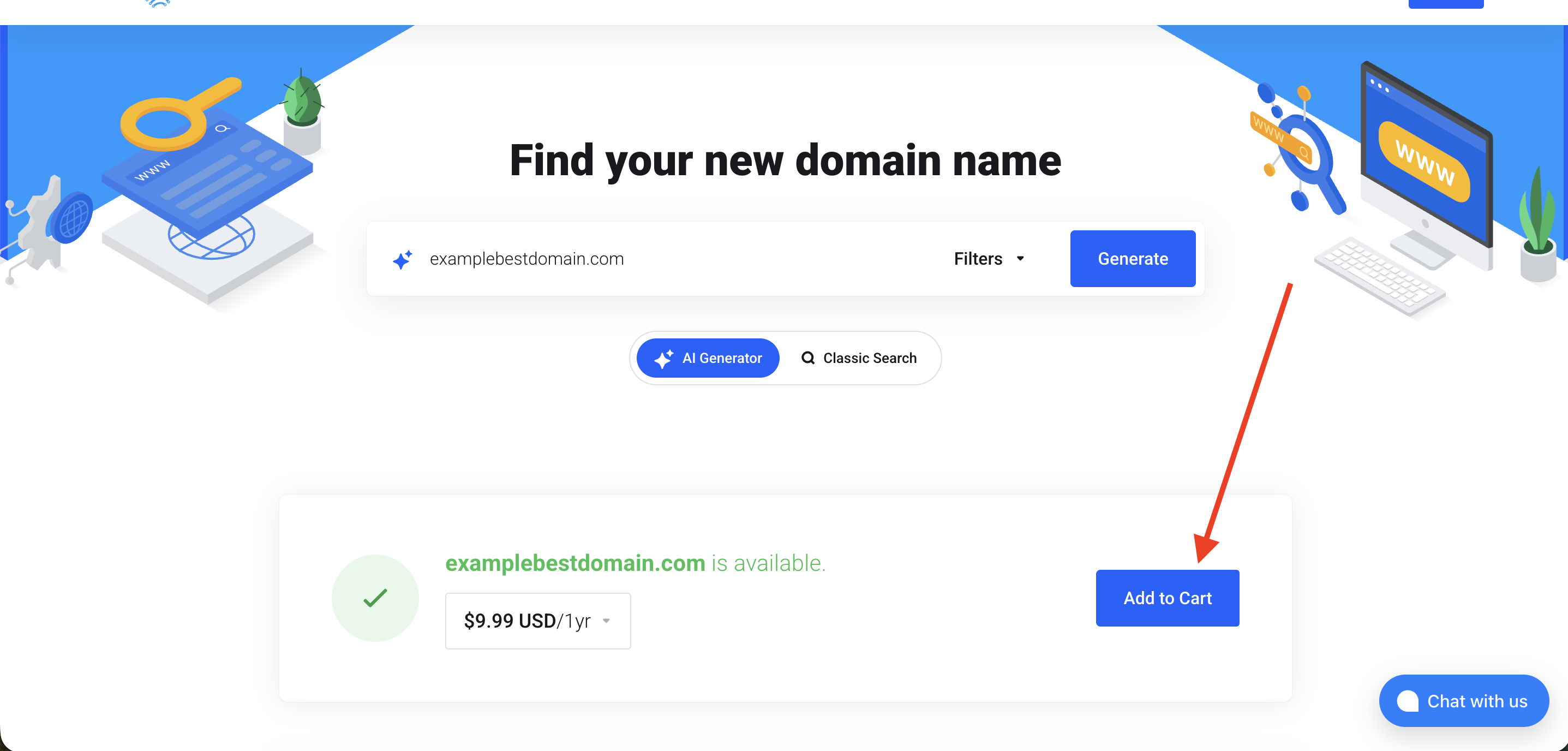
Next, select “Add to cart” to generate the invoice and proceed with payment.
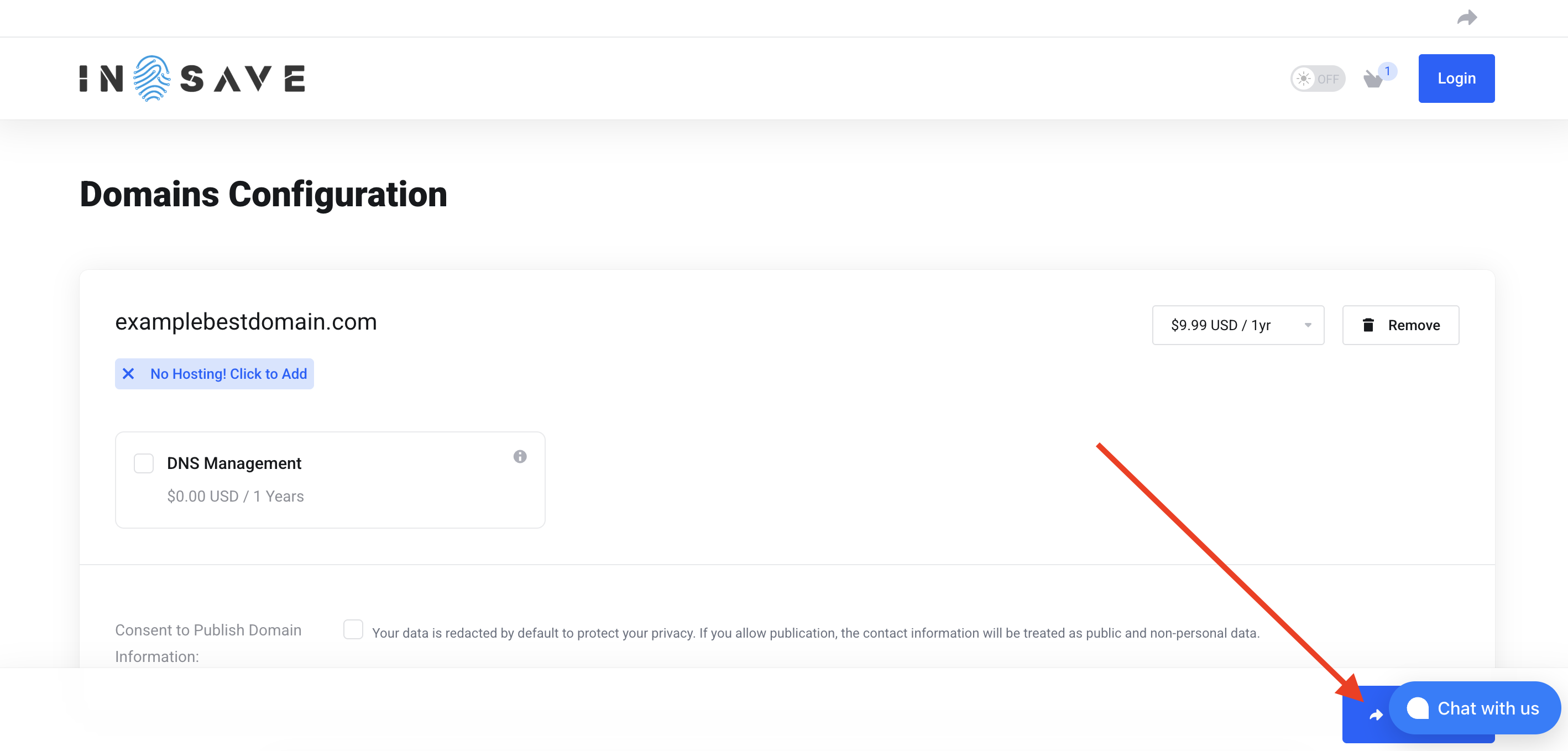
Please select “Continue” as shown in the screenshot below.
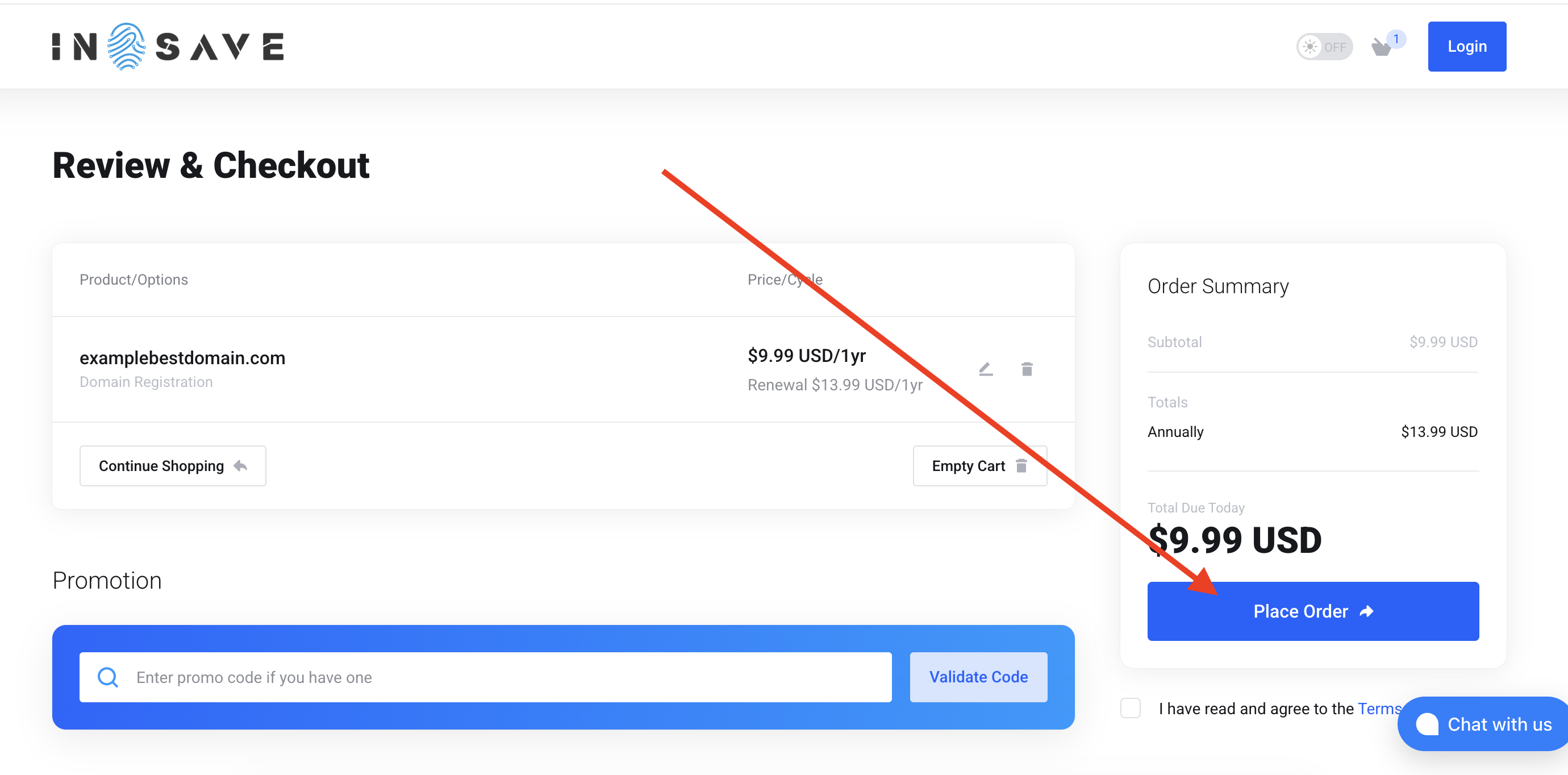
On the next page, you need to either select "Create a New Account" below or log in to an existing one. Then agree to the terms and click Place Order.
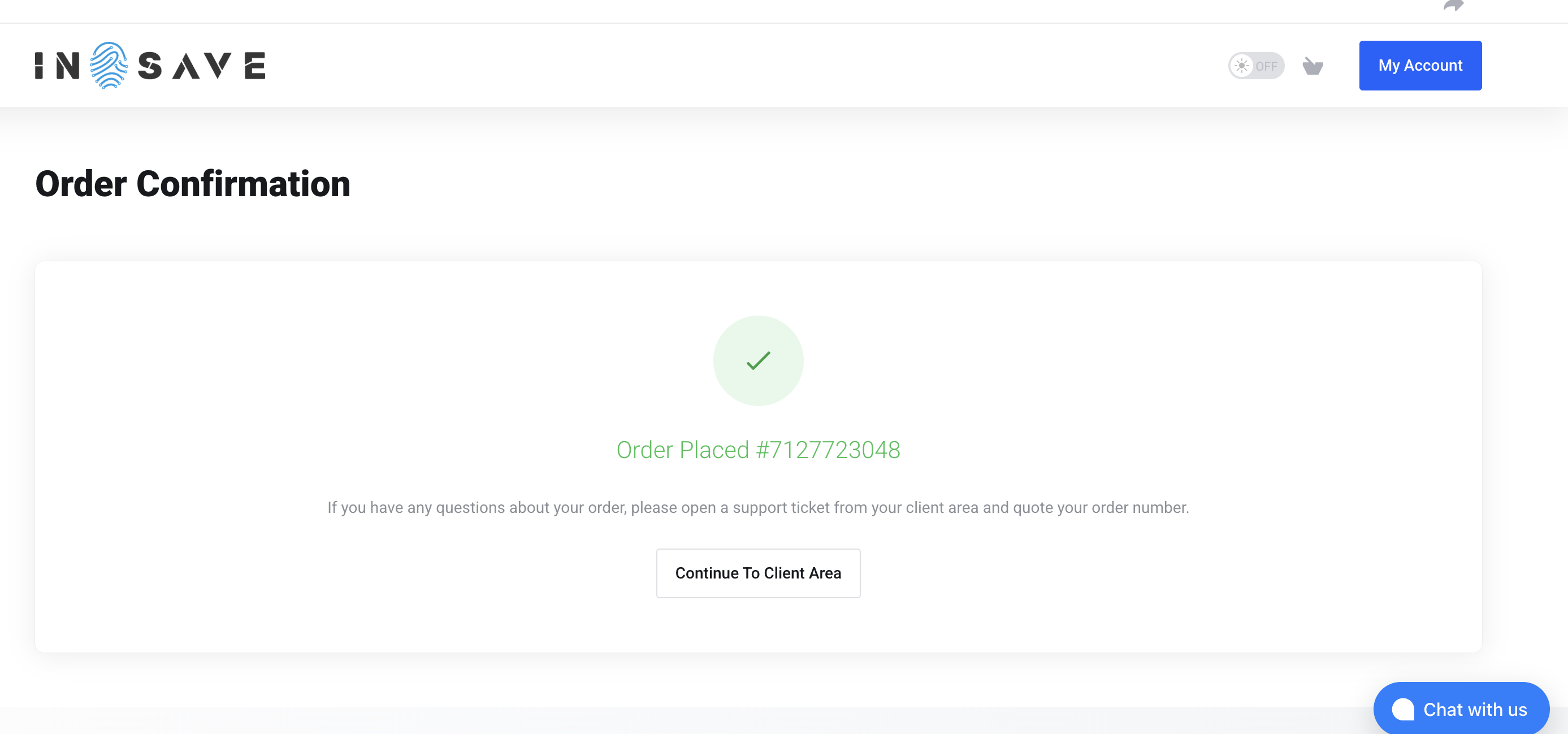
Congratulations! You have successfully registered the domain. The domain will be available for management shortly.